
Help › Service requests and appointments
Service requests and appointments
Ask your shop for service and follow the request through to done.
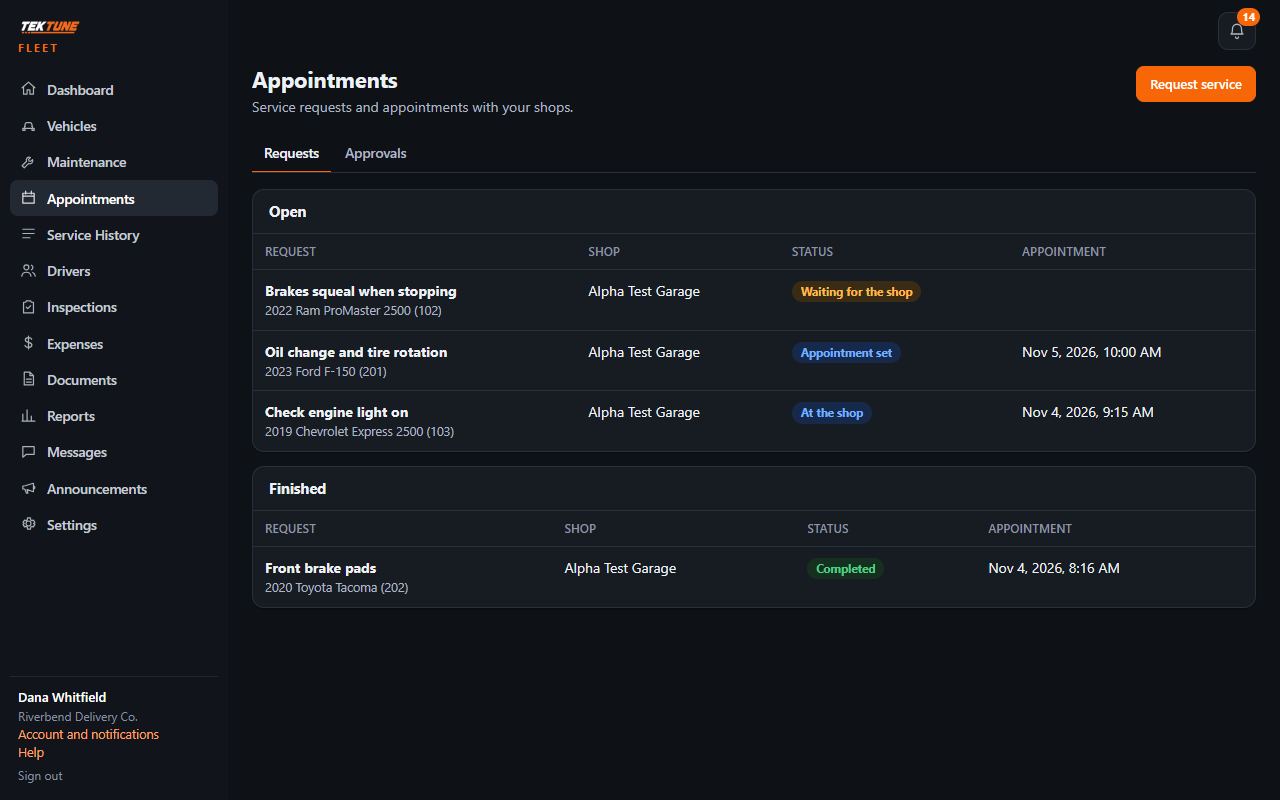
- Open Appointments and press Request service.
- Pick the vehicle, the shop, the problem, how urgent it is and the dates you'd like.
- The shop sets a time or proposes another for you to accept.
- Follow it from there through to done. When the shop finishes, the work goes into the vehicle's service history.
Messages
Each service request has its own conversation with the shop. Messages lists them all.
Updated November 4, 2026