
Help › Start here
Start here
What TEKTUNE Fleet is, how to get an account, and the first things to set up.
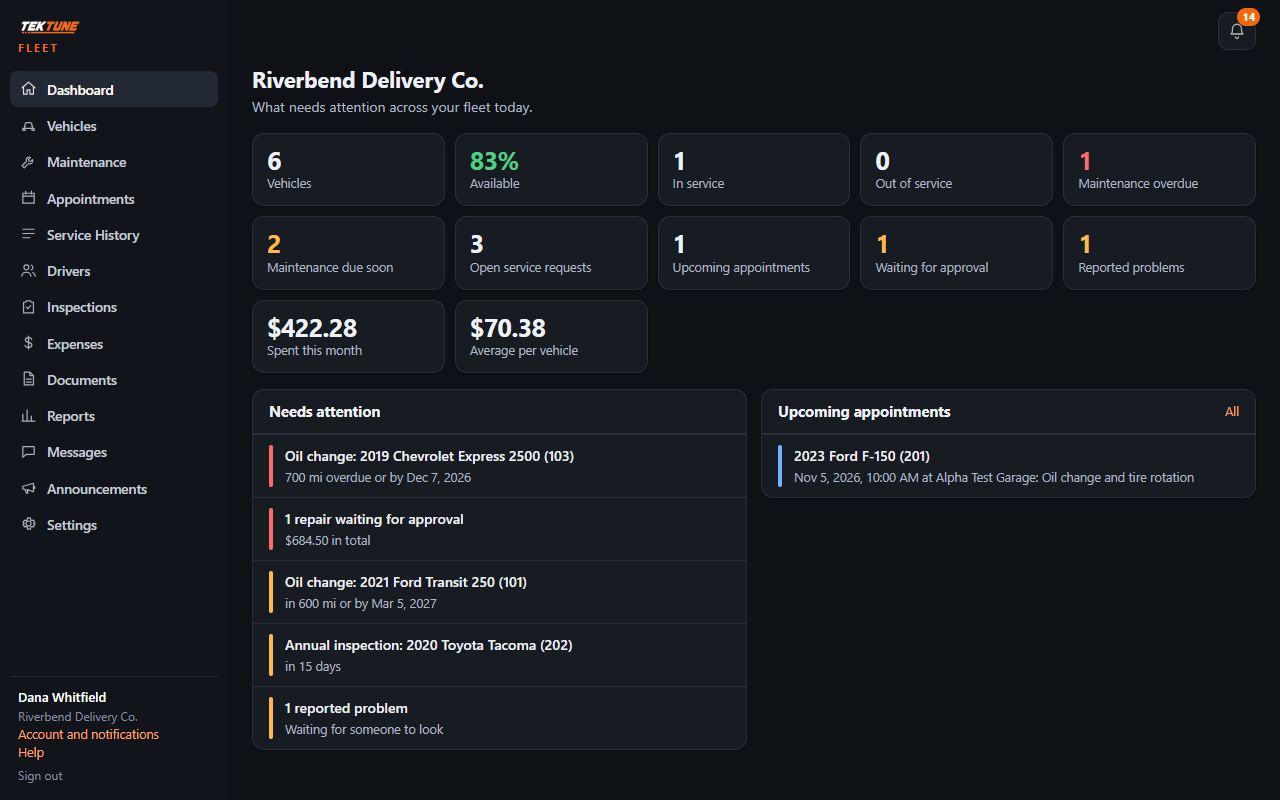
TEKTUNE Fleet is where a company keeps track of its vehicles and works with its repair shops. It runs in a browser on a computer or phone.
Get an account
- Your repair shop invites you. If your shop uses TEKTUNE, it can invite your company. You get an email with a link to set your password.
- Or ask us. Send a request for a fleet account with your company and your repair shop. TEKTUNE gets in touch and sets up your account.
Sign in
Use the email and password you set. On a new browser you may be asked for a code sent to your email. If your login also belongs to a repair shop, sign in at the shop's page to choose which to open; the Fleet sign-in only opens your fleet.
On a phone, use your browser's Add to Home Screen and Fleet opens like an app.
First steps
- Add your vehicles (Vehicles).
- Check your repair shop under Settings > Repair shops (Your repair shop).
- Set your maintenance schedules (Maintenance).
- Decide who approves what (Repair approvals).
- Invite your managers and drivers (People and roles).
Updated November 4, 2026